Keep your current menu.
Keep it. Snacker Club adds a visual layer beside it, so guests can see what they're choosing without a new ordering system.
Use what you already have → BUSINESS
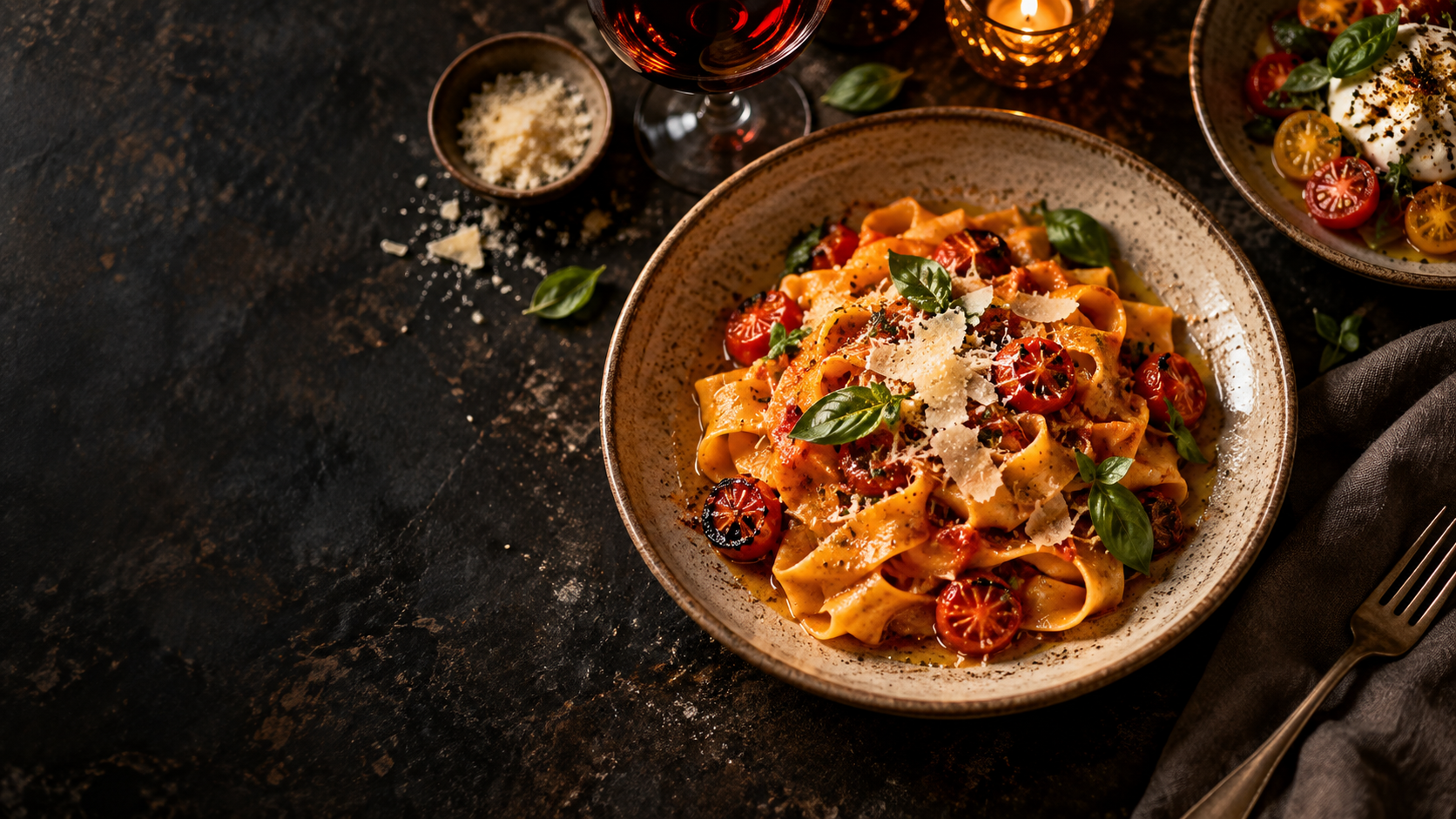
Give the menu you already use a visual layer of real dishes. Help guests know what to order before they arrive or while they’re at your table.
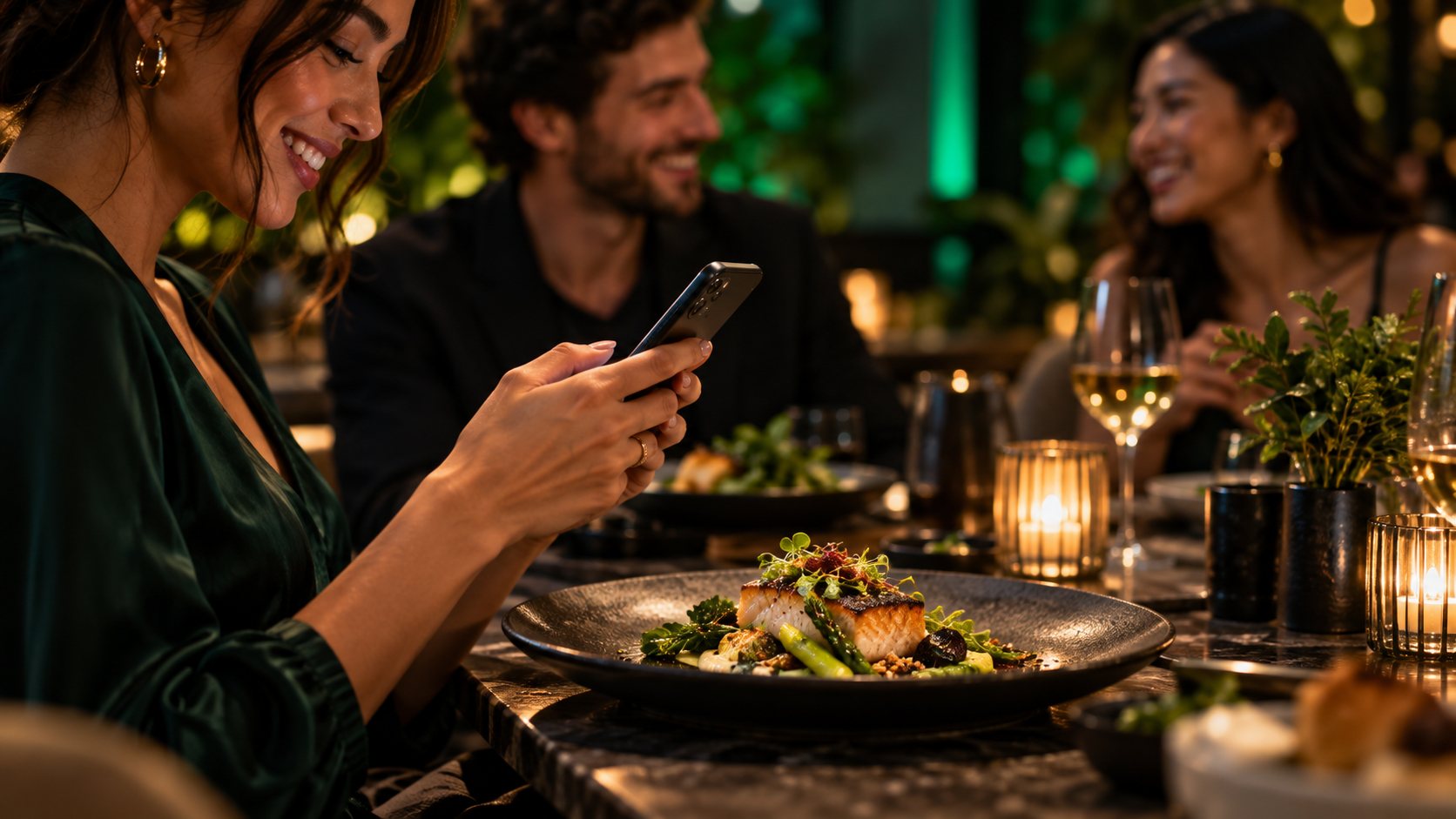
Start with your current menu or PDF. We structure the sections, dishes, descriptions and prices into Live Menu items ready for real food media.
Get startedSections → items → descriptions → prices
Each item becomes a place for visual captures and updates.
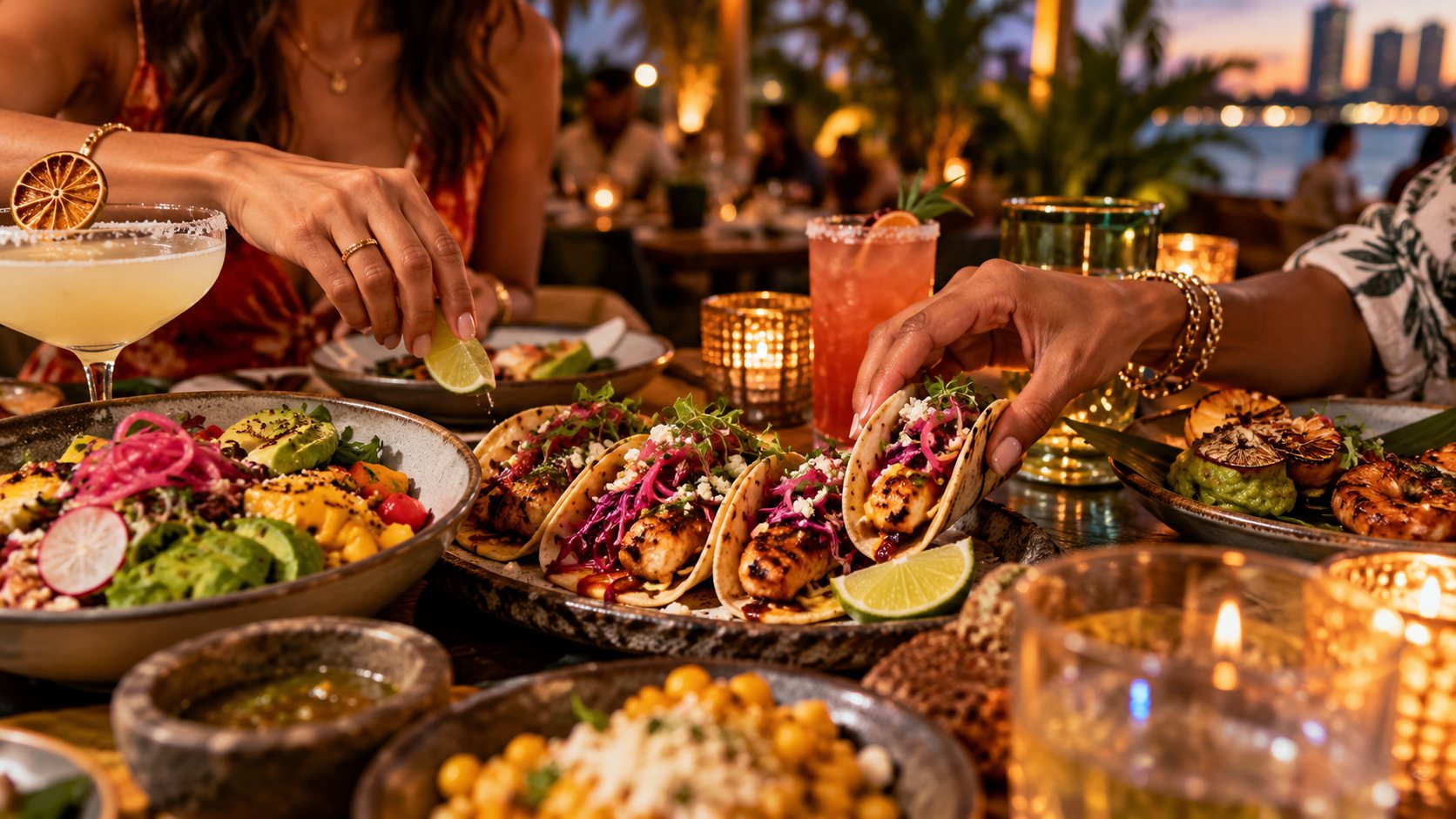
Use your Live Menu link in your social bio, on your website or as a button beside your current menu. Put it on a QR code or an NFC tap point at the table.
Get startedA guest taps and the visual menu opens. No app download needed to view it.
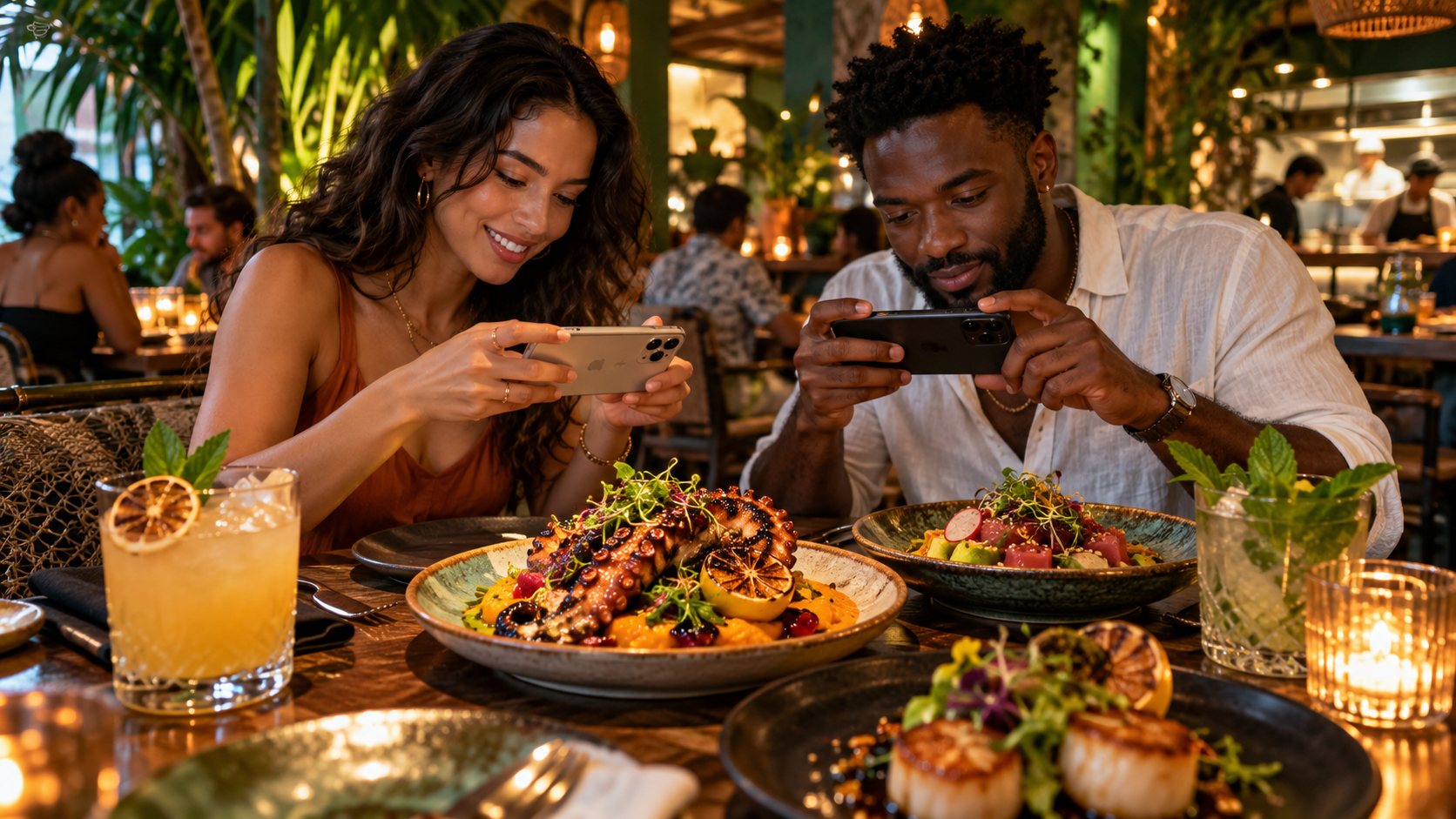
Snack Drops invite food lovers to capture specific menu items. Each useful photo or video can add visual coverage that makes your Live Menu more helpful over time.
Get startedBook a Launch Kit or Capture visit for selected dishes. Community contributions can add more coverage over time.
CONTRIBUTORS, NOT PAID CREATORSSocial posts get buried. Search results scatter the pictures. A Live Menu gives every dish a lasting place beside its name, description and price—while your current menu stays where it is.
Keep it. Snacker Club adds a visual layer beside it, so guests can see what they're choosing without a new ordering system.
Use what you already have →Show the actual item on a Live Menu they can open before arriving or tap into at the table.
Give each item a clear home →Keep posting. Link those moments to the menu items they represent, so useful food content isn't lost in a feed.
Make content easier to find →Launch Kit is our hands-free setup service for busy teams. Send your current menu, choose the items to capture and agree on a practical time with us.
A PDF, image or menu link is enough to start. No content library to prepare.
We structure the items and check the key details with you before your Live Menu goes out.
Choose a practical time to capture your selected dishes. We coordinate the visit and connect approved captures to the matching menu items.
Hands-free setup and real dish captures, so you can keep your focus on the food and your guests.
Choose Launch Kit during venue onboarding.
Includes up to 10 item captures during beta.
$25 promo setup + $25 capture package.
Extra items: $5 each · Extra locations: $25 each, one time.
Regular setup: $75. Regular capture package: up to 5 items.
A useful home for your venue and a visual layer for your menu. Sign up, make it yours and start sharing.
Set it up yourself.
Make it part of your everyday business.
Keep your focus on the food and your guests. We’ll handle the setup, captures and community support you choose—without breaking the bank.
We set up your profile and menu, then capture your selected dishes.
Fresh captures for a menu you already manage.
Help managing your community content and capture coordination.
Introduce a venue that purchases a qualifying Launch Kit. Put your credit toward a future capture booking.
Introduce a venueEmail us before the introduction to confirm eligibility and track the purchase. Capture Credits are coordinated manually.
Standard is your free business account for a venue profile, Live Menu, shareable link and self-managed moderation. Optional hands-free add-ons are Launch Kit for setup and initial captures, Capture for one-time visits, and Capture Plus for community content support and coordination.
Yes. Standard is $0. Create or claim your venue, set up your profile and Live Menu, share your link and manage contributions yourself. Hands-free services are optional; you do not need a paid add-on to have a business account.
Launch Kit is hands-free profile and Live Menu setup, selected-item and featured captures, and a short venue promo feature. During the beta promo, the starting $50 package includes up to 10 item captures; the regular capture package covers up to 5. Additional items are $5 each.
The beta promo starts at $50 for the initial location: $25 promotional setup (regularly $75) plus a $25 capture package covering up to 10 selected items during beta, instead of the regular package of up to 5. Additional captures are $5 per item. For example, 15 selected items during beta cost $75 total: $50 for the package plus $25 for 5 additional items.
Yes. Capture is $5 per item, with a $25 minimum covering up to 5 selected items and $5 for each additional item. Captures connect to matching menu items, and you have access to all your captured content. It is a one-time booking with no subscription required.
Capture Plus helps manage community Moments, appropriate content approvals, contributor engagement and capture coordination. The beta introductory offer is $99 for 3 months. Item captures are billed separately at $3.50 each for Capture Plus venues (regularly $5). Regular support pricing is $50 per month or $125 per quarter. Additional locations have a one-time $25 fee each.
No. Launch Kit is a one-time service. Continue managing your venue with Standard for free, book Capture when you need fresh visuals, or ask about Capture Plus for ongoing help.
Select Get started to open the app signup flow, choose Grow My Venue and create your business account. You can then choose Launch Kit during venue onboarding. For Capture or Capture Plus, use the Ask about button to email us and confirm the scope, timing and price.
Start with the menu you already have. The Launch Kit beta promo includes up to 10 selected item captures in its starting package. Add more at $5 per item, book Capture later, or use Capture Plus for ongoing coordination and discounted captures. Approved community contributions can also grow your coverage.
Start with one Launch Kit activation from $50, then add locations for a one-time $25 fee per additional location. We confirm the selected items, capture allocation across locations and any additional capture charges before booking.
The introductory price covers 3 months of Capture Plus during beta. Regular pricing is $50 per month or $125 per quarter. This is a paid introductory offer. We confirm continuation and billing arrangements with you before booking.
Capture Plus covers support and coordination. Captures are billed separately at $3.50 per item for Capture Plus venues, discounted from the regular $5. Ask us to confirm your item count and booking total.
A Snack Drop is a coordinated opportunity for contributors to capture specific menu items. We agree on the dishes, timing and any food or perks with the venue in advance. Contributors capture the selected dishes and submit media against the matching menu items. The venue or Snacker Club HQ reviews and approves captures according to who manages the Live Menu. New captures can fill gaps and refresh aging content. Paid Launch Kit and Capture bookings are priced separately as shown above.
Live Menu item content lasts 30 days to encourage fresh captures that reflect what guests can discover now. New approved captures help keep your menu current and feeling LIVE. You can arrange refreshes yourself, book Capture or use Capture Plus for coordination; paid captures are billed separately.
With Standard, your team manages moderation for your venue. HQ-managed community menus follow HQ review. Capture Plus includes appropriate monitoring and approvals on your behalf. We confirm the approval responsibilities with you when setting up the service.
Guests want to see what they’re ordering. A Live Menu connects photos and videos to the right dish, beside its name, description and price, with one link you can share anywhere.
No. Snacker Club adds a visual layer alongside your existing menu. Keep your menu, website and ordering setup, and use your Live Menu link wherever guests discover your food.
Put it in your social bio, on your website, or beside your current menu. Guests can also open it through a QR code or an NFC tap point at the table. No app download is needed to view it.
No. You and your guests can open Snacker Club in a browser. Save the web app to your phone’s home screen for quicker access. Your Live Menu link remains accessible without an app download.
Yes—we’re learning and growing. Some venues, menu items, media or features may not be available yet, and you may run into a hiccup. Let us know at hello@snackerclub.com if something feels off.
Introduce a venue that purchases a qualifying Launch Kit and receive a $25 Capture Credit toward a future capture booking. Email us before making the introduction so we can confirm eligibility and track the purchase. The reward is a service credit, and we coordinate it manually.
Tell us about your venue and send the menu you already have. We’ll work out the first activation together.
Get startedRestaurants · cafés · food trucks · pop-ups